Planners & routines / FREE PRINTABLE
Project Questions Register
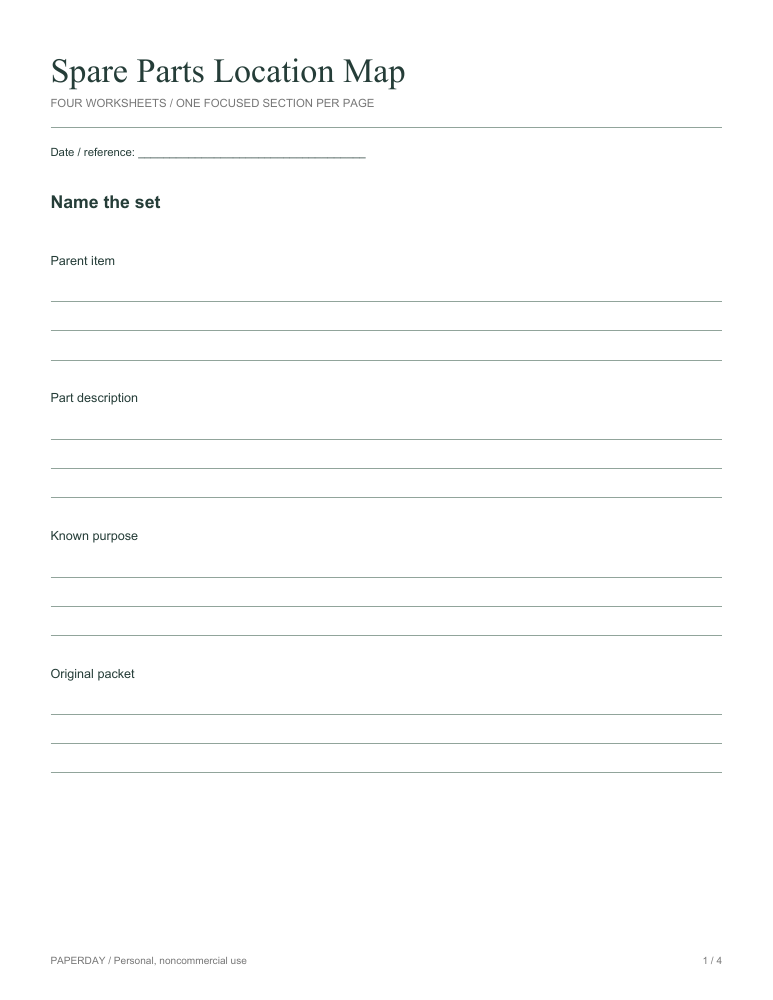
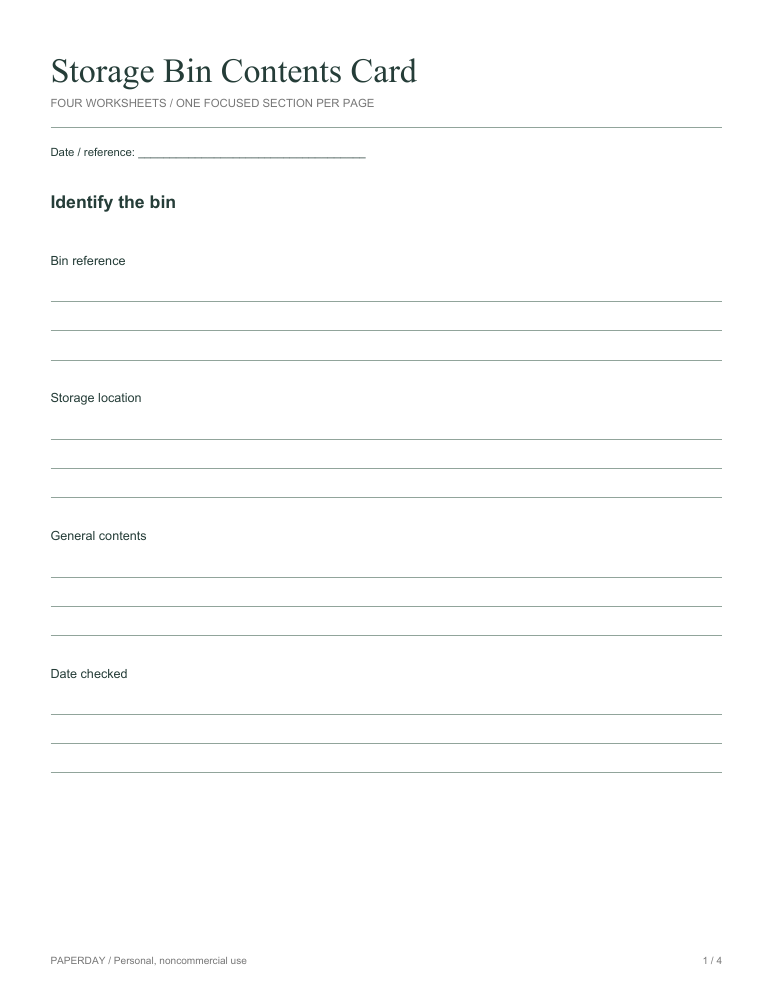
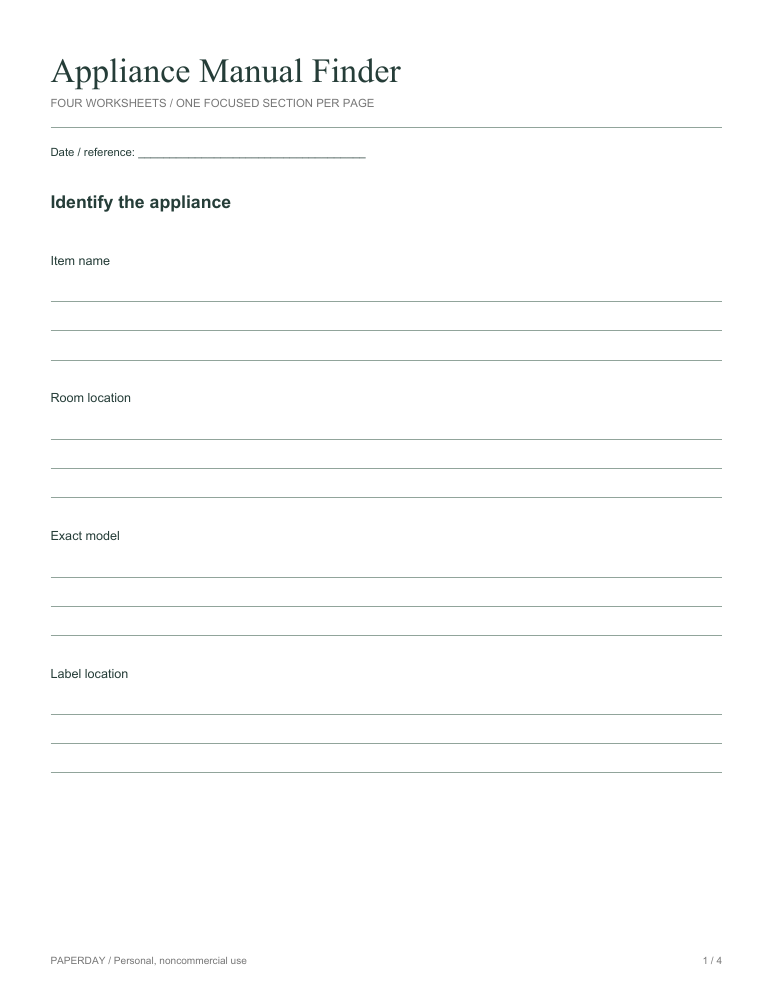
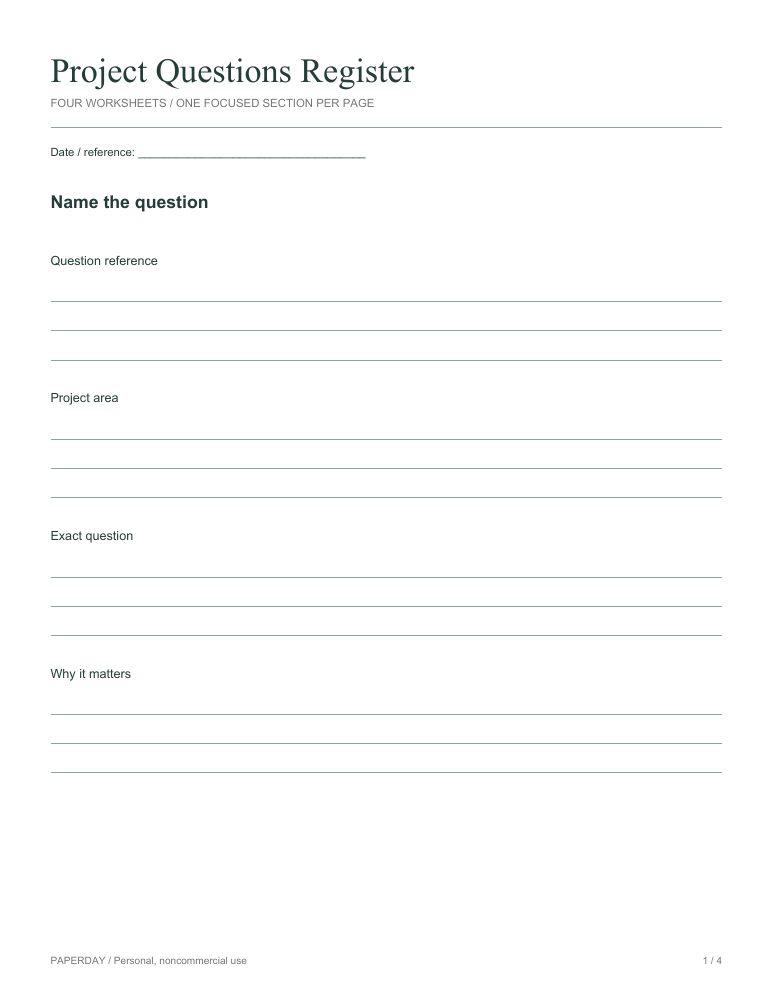
A question register prevents an unresolved detail from disappearing into scattered notes. Connect each question to an output, identify the best source for an answer, and record whether the reply actually resolves the original uncertainty. The pack separates name the question, locate the answer route, capture the response, apply the answer. Start with information already available, leave unknown details blank, and write a specific next action beside anything that still needs checking. Keep these pages with the relevant materials so the record can be updated rather than reconstructed from memory. The four-page PDF places each named section on its own sheet, with three writing lines beneath each prompt.
- Format
- PDF, not fillable
- Pages
- 4
- Paper
- A4 & US Letter
- Orientation
- Portrait
No account or email required. Personal, noncommercial use.
Make it work on your printer.
Write questions about ordinary project work. Do not copy passwords or private message contents into a shared register. The four pages follow the four named sections in order. Choose the pages you need and keep private references off copies you share.
Select the file matching the paper loaded in your printer. Choose portrait orientation and actual size (100%). If your printer clips the edge, use its fit-to-page setting and check the print preview first. Print a single page before making several copies.
For a multipage pack, select the page range you need. Page numbers appear in the lower right of every sheet.
More download & printing help ↗KEEP A GOOD THING GOING
Another page to try.